
Studio notes
Bank and Crypto Exchange Account Security: A Plain-English Guide to Stopping Hackers and Theft
From fake SMS links and one-time code scams to SIM swaps, 2FA and exchange security locks: how to protect your accounts and what to do in the first hour.
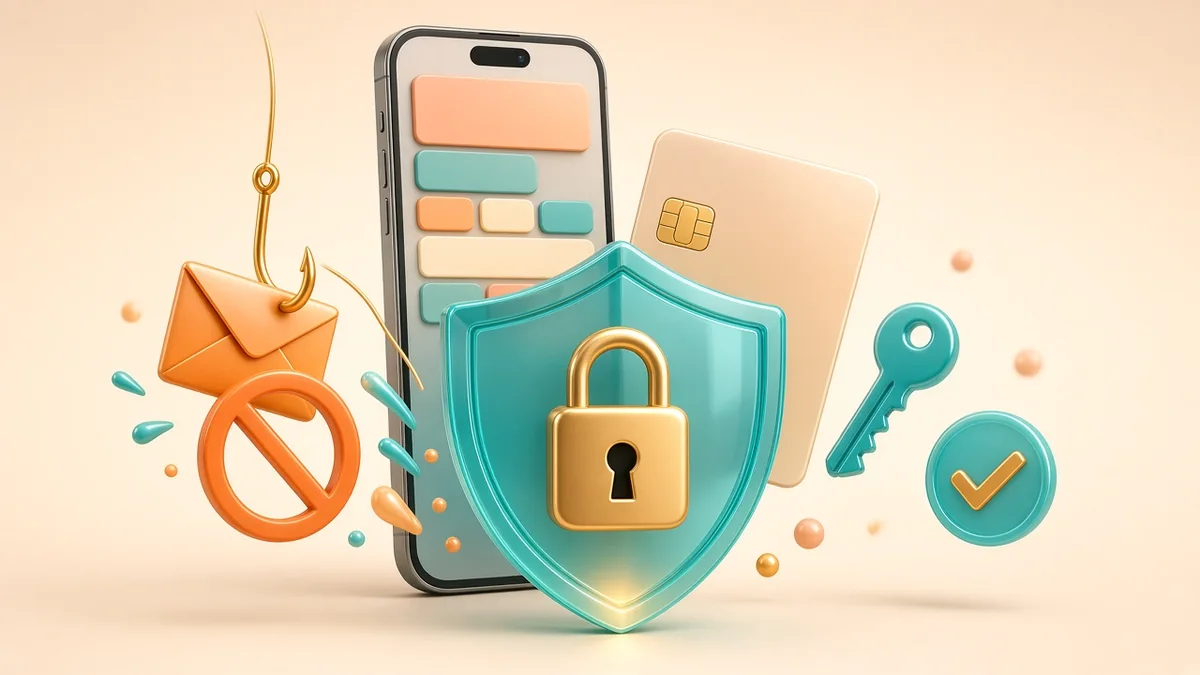
When we hear that someone's account has been emptied, we tend to picture a genius hacker behind a wall of monitors. The reality is often simpler and just as worrying: someone uses a text message, a phone call or a fake app to talk the account holder into handing over the keys themselves.
The US Federal Trade Commission (FTC) has a good way of putting it: your password and your verification code work together like the lock on your doorknob and a deadbolt. Open one and the door still won't budge, which is exactly why scammers try to trick you into giving them the code as well. The good news is that most of your defences need neither technical skill nor money. You only need to know a few habits and get a few settings right once.
This article is about keeping the accounts themselves safe: your bank account, mobile banking app, cards and crypto exchange account. If you want to learn to spot investment scams and fake signal sellers, see our article "How to Spot Crypto Scams and Fake Signal Sellers: A Plain-English Guide for Everyone" on this site.
1. Fake texts and links: the most common way in
In Iran, text messages with subjects like "court summons", "a complaint has been filed against you on the Sana system", "living-cost subsidy", "Justice Shares" or "mobile banking update" have been used again and again to steal from accounts. According to the ISNA news agency, in June 2026 the deputy head of FATA, Iran's cyber police, warned that messages with these themes carrying unknown links or files, sent from personal numbers or through messaging apps, are a trap to infect phones and drain bank balances. He said the malware installed this way gave criminals access to victims' banking details and text messages.
In October 2026, again as reported by ISNA, the head of FATA police in Khorasan Razavi province reminded the public that no payment and no unknown link is needed to receive government services or support schemes, and that genuine Sana notices are never sent from personal numbers. In short: open official systems yourself, never through a link someone sent you.
The US Cybersecurity and Infrastructure Security Agency (CISA) lists common signs of phishing that apply to messages in any language:
- urgent or frightening language, such as "your account will be blocked within 24 hours";
- requests for personal or financial information;
- shortened or unfamiliar links;
- addresses that differ from the real one by a letter or two.
CISA points out that spelling mistakes are no longer a reliable giveaway, because AI lets fake messages read perfectly. Its core advice is simple: if a message looks suspicious, don't tap its link or call its number. Follow up another way, for example through the official app or a website address you type in yourself.
2. Your one-time password and verification codes are yours alone
The one-time password or verification code you receive for a purchase or a login is the last lock on your account. The FTC is blunt: anyone who asks for your account verification code is a scammer, whether they claim to be from your bank, your exchange's support team, the authorities or someone you know.
Two simple habits go a long way:
- Read the whole text that carries the code. If the code is for a purchase you aren't making, or the amount or merchant doesn't match what you expect, don't enter it anywhere.
- If someone calls about a "problem with your account", hang up and call your bank yourself on the number printed on your card, your statement or the official app.
3. Install apps only from official sources
Many thefts begin with an app that looks harmless: a "court notice tracker", a "new version of your banking app" or a "subsidy registration app". Install your banking and exchange apps only from the official app store or from a link published on the bank's or exchange's own website, never from a link sent by text or messaging app.
One important warning sign is an app with no obvious need for your messages that asks for permission to read your texts or control your phone. And never install remote-access software because someone asks you to. The Kraken exchange, for example, states in its security guidance that it will never ask customers to install such software.
4. Your SIM card can be stolen too
In a "SIM swap", a fraudster impersonates you or tricks your mobile operator's staff into moving your number to a SIM card they control. From then on, your texts and verification codes go to them. Coinbase explains in its security guidance that this attack threatens any account that uses text-message two-step verification or can be recovered through your phone number.
The US National Institute of Standards and Technology (NIST) classes code delivery over the phone network as a "restricted" method in its digital identity guidelines, and asks services to look for warning signs such as a SIM change or number porting before relying on it.
If your phone suddenly loses signal for no reason, or you get a notice about a SIM change you didn't make, call your operator at once. It's also worth asking your operator what options it offers to protect your SIM and to prevent a swap or transfer without you being present.
5. Strong, unique passwords and a password manager
If you reuse a password, a leak from some unimportant website can end up unlocking your bank or exchange account. CISA describes a strong password in three words: long (at least 16 characters), random (or a passphrase of several unrelated words) and unique to each account.
Nobody can remember dozens of passwords like that, and nobody needs to. CISA calls a password manager one of the easiest ways to create and store strong passwords. For your bank, your exchange and your main email address, use passwords you have never used anywhere else. Birthdays, ID numbers and your children's names are not passwords.
6. Two-step verification: better than SMS, where you have the choice
Two-step (or multi-factor) verification means logging in takes something beyond your password. CISA notes that even if someone steals your password, they still can't get in without that second step. Common options include a code by text message, an authenticator app that generates a fresh code every few seconds, a fingerprint or face scan, and a security key or passkey.
They are not all equally strong. Coinbase says text-message verification is better than none at all, but recommends an authenticator app instead of SMS wherever possible and regards a hardware security key as the strongest option. The practical rule is to turn on the strongest method each service offers. Keep your backup codes somewhere safe and separate from your phone, so that losing the phone doesn't lock you out.
With banks, you often don't get a choice: the one-time password arrives by text or through the bank's own app. In that case, the advice in sections 2 and 4 is your most important defence.
7. Switch on your exchange's extra locks
Alongside two-step verification, many crypto exchanges offer security features that few people bother to use. Names and details vary from one exchange to the next, but common examples include:
- Anti-phishing code: a phrase you choose that the exchange then includes in its genuine emails, and on some exchanges its texts too. Binance explains in its official guide that the code helps you tell real messages from fakes. A message claiming to be from the exchange that doesn't carry your code is suspect.
- Withdrawal address whitelist and settings lock: with this switched on, withdrawals can only go to addresses you have approved in advance. Kraken, for example, has a feature that, when active, blocks adding a new withdrawal address, changing your email or password and changing two-step verification, and imposes a waiting period before it can be unlocked. Kraken calls it the "last line of defense" if your password and two-step verification are ever compromised.
- Device management and alerts: check the list of devices signed in to your account from time to time, and keep login and withdrawal alerts switched on. If you created an API key you no longer use, delete it.
If you use a local exchange, open the Security section of your account and see which of these features it offers.
8. Your email is the master key
Most services send a password-reset link or code to your email. So anyone who gets into your email can reset the passwords on many of your other accounts. Protect the email address you use for your exchange and financial services with a unique password and two-step verification.
The FTC advises checking that your account recovery details, the backup email address and phone number, are correct and belong to you, and making sure no unfamiliar auto-forwarding rule has been set up in your email. Hackers sometimes use exactly that trick to quietly copy your emails to themselves.
9. Your phone and connection: simple but essential basics
- Don't put off updates. CISA recommends turning on automatic updates, because updates close known security holes.
- Use a screen lock, and lock your banking and exchange apps with a separate PIN or fingerprint. An unlocked phone opens your accounts to anyone who picks it up.
- Don't do your banking on public or unknown Wi-Fi. In a café, an airport or on any network you don't know, use your own mobile data for important transactions.
- Look carefully at the page address before entering card details. Don't trust a payment page that opened from a text-message link; continue the purchase from a website or app you opened yourself.
10. Hacked? What to do in the first hour
Fear and haste are natural, but the order of steps matters:
- Call your bank or exchange and ask them to temporarily block the card or account. Take the number from the back of your card, the official app or a website you typed in yourself, not from a text you received.
- If you installed a suspicious app, disconnect the phone from the internet and change your passwords from another device you trust. Kraken suggests starting with your email, then your exchange account, then any other accounts used on the infected device.
- Sign out of all devices and turn on or reset two-step verification, as the FTC also advises for a hacked account.
- Review your settings: recovery email and phone number, connected devices, withdrawal addresses, API keys and email forwarding rules. Remove anything you don't recognise.
- Report it to the police. In Iran, that means FATA, through its official website or your nearest FATA office. Take screenshots of the texts, transactions and conversations and keep them.
- Watch out for a second scam. Kraken warns that anyone offering to recover your money for a fee is a scammer.
A ten-minute checklist
- I don't tap links in texts about court notices, subsidies or "updates"; I go to the official system myself.
- I never share one-time passwords or verification codes, and I read the full text that carries each code.
- My banking and exchange apps came only from official sources.
- I have long, unique passwords for my bank, exchange and main email, and I use a password manager.
- Wherever possible, I've turned on two-step verification with an authenticator app or security key, and my backup codes are stored safely.
- I've switched on my exchange's anti-phishing code, withdrawal whitelist and alerts.
- I've checked my email recovery details and forwarding rules.
- My phone has a screen lock and is up to date.
- I've asked my mobile operator about options to protect my SIM.
- I've saved the official numbers for my bank and exchange in advance, so I'm not searching for them in a crisis.
Security starts at the design stage
At Behvandi, we build financial software, trading dashboards and systems that handle money and sensitive data. For us, security isn't something bolted on at the end; it is part of the design from day one. That means two-step verification for users and administrators, giving each role only the access it needs, careful logging of sensitive events and alerting users when someone signs in from a new device or changes important settings. The same locks this article asks you to switch on have to be built properly on the developer's side too.
If your business runs a financial system, a customer portal or any tool that handles money and user data, and you'd like to talk about its security or about building a safer version, we'd be glad to hear from you through the "Contact us" page on the Behvandi website.
This article is for educational purposes. Security procedures and features differ between banks, exchanges and mobile operators and may change; for details, rely only on their own official guides and channels. Foreign services are named only as examples, which does not mean they are endorsed or available to you.
Sources
- FTC — What's a verification code and why would someone ask me for it?
- FTC — Email or social media hacked? Here's what to do
- CISA — Recognize and Report Phishing
- CISA — Use Strong Passwords
- CISA — Turn On MFA
- CISA — Update Software
- NIST SP 800-63B — Digital Identity Guidelines: Authentication
- Coinbase — How to keep your crypto secure (SIM swaps and 2FA)
- Kraken — What is the Global Settings Lock (GSL)?
- Kraken — Protect yourself from malware
- Kraken — Protect yourself from scams
- Binance — What is an anti-phishing code?
- ISNA — Arrest of senders of fake "court notice" and "subsidy" texts (in Persian, June 2026)
- ISNA — Khorasan Razavi FATA police warning on subsidy texts (in Persian, October 2026)
Comments
No comments yet. Be the first to write one.