Studio notes
A Smart Support Chatbot for Your Business: Where It Helps, and Where the Job Must Go to a Person
Where a smart support chatbot helps a business, and where the job must go to a person. Wrong answers, customer data and a simple start checklist.
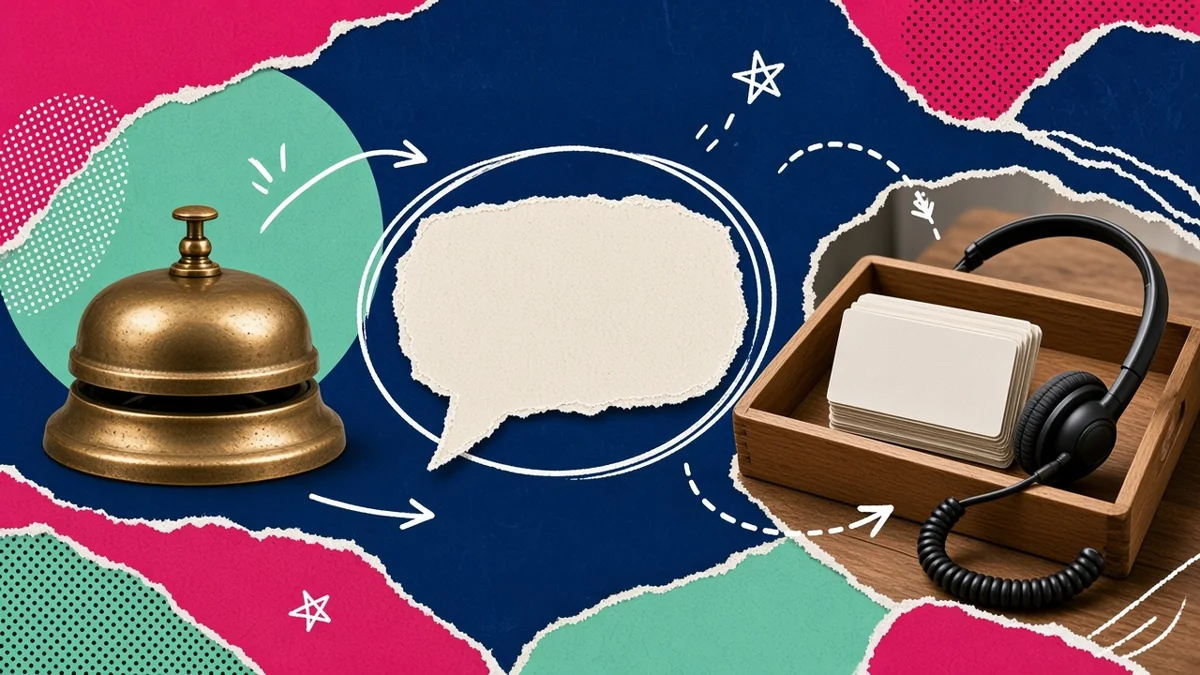
Imagine you run a small language school with two evening classes. After the door is locked, the messages keep coming: "When does the next term start?", "How much is the adult class?", "If I miss a session, can I make it up?" In the morning you find ten unanswered messages on the desk, and your first job is to reply to the same questions all over again.
A support chatbot can take some of that load, provided the answers are clear and written down. What it cannot do is take the place of the person who talks to an unhappy parent or decides on a discount. This article explains what a support chatbot actually is, where it genuinely helps, where the danger of a wrong answer sits, when the job must be handed to a human, and what to do with customer information. All the examples are hypothetical and are here only to make the idea concrete.
This article is written for business owners, not programmers. If you want to see what else AI can do in the everyday work of a small business, read "AI for Small Businesses: Five Jobs You Can Hand Over Starting Tomorrow" on this same site. And if you are curious about how, technically, such an assistant can answer from your own documents, we have a technical article, "A Support Assistant Over Your Own Docs with .NET and SQL Server: From Chunking to Evaluation"; we will not cover that ground here.
What exactly is a support chatbot?
A support chatbot is a program that sits on your website, in a messenger or in an app and answers in ordinary language. Older versions usually picked one sentence from a list written in advance. Many of today's "smart" chatbots use generative AI: they build the answer word by word, rather than simply retrieving a ready-made text. That is why they sound fluent, and that is also the main source of risk: they can say something that is not true, in a tone that sounds completely sure.
Such a chatbot usually does three main jobs:
- Answer clear, repetitive questions from information you have given it.
- If a question is beyond it, say honestly that it does not know and hand the conversation to a person.
- Outside working hours, at least give the customer a first reply so the message is not left unattended.
What a support chatbot is not, is a new colleague. It does not make decisions, it does not offer real comfort, and in the end you, not the program, are responsible for what it says.
Where it genuinely helps
The best place for a chatbot is questions whose answers are already written down, do not change often, and whose mistakes are usually easy to put right. For that hypothetical language school, good examples include:
- opening hours, the address, and whether there are classes on Thursdays
- the published fee, the length of the term and what is needed to enrol
- the rules for absences and make-up sessions, if they are set down on paper
- a link or a short guide to booking a trial class
The same rule usually holds in an online shop: a size chart, shipping cost and time from a current list, the returns policy, and what is in the box. If the chatbot can read an order's status from your own system, telling a customer "your order went to the post today" is useful too, provided the figure comes from the system, not from a guess.
The benefit is not only fewer repetitive messages. The customer gets a first answer in the middle of the night and does not feel unheard. In the morning your colleague, instead of starting from scratch, spends time on the cases that really need a person.
If most of your daily questions are of this kind, the chances of success are high. If most messages are bargaining, complaints or one-off decisions, the chatbot can at best play the doorman, not the main support role.
The main danger: an answer that sounds right, but is wrong
In its risk-management framework for generative AI, the US National Institute of Standards and Technology (NIST) calls this phenomenon "confabulation", the same thing commonly known as a model's "hallucination": producing content that is wrong or made up, but stated with confidence, and that may mislead the reader. NIST writes that this behaviour is a natural result of how these models work: they predict the next word from a statistical pattern, and that prediction sometimes yields a true sentence and sometimes a false one. The risk becomes serious when the reader, because of the confident tone, believes the answer and acts on it. NIST warns that this risk should be watched especially closely where consequential decisions are involved.
In practical terms for your business, that means the chatbot may invent a returns policy, promise a delivery date that is on no list, or give two contradictory answers to two customers. A calm, polite tone hides the fact that the words are wrong.
A documented example is *Moffatt v. Air Canada*, a 14 February 2024 decision of the Civil Resolution Tribunal of British Columbia in Canada. The airline's website chatbot gave incorrect information about applying after the fact for a bereavement fare. The company argued that it could not be held liable for what the chatbot said. The tribunal rejected that argument and wrote that the chatbot is simply part of the company's website, and that "it should be obvious to Air Canada that it is responsible for all the information on its website," whether it comes from a static page or a chatbot. It also found that the company "did not take reasonable care to ensure its chatbot was accurate," and that a customer should not have to double-check information from one part of the site against another.
This is a decision of one tribunal in Canada, not a law for businesses in Iran. The practical lesson, though, is clear: the customer does not draw a line between the chatbot and you. Whatever the chatbot says is, in practice, the word of your business. We also cover this case in more detail in "AI for Small Businesses: Five Jobs You Can Hand Over Starting Tomorrow".
So:
- Let the chatbot answer only from your own confirmed, up-to-date information: the price list, opening hours, the returns policy and the like.
- Where it is not sure, it should not guess. It should say "a colleague will answer you" and actually hand the conversation over.
- Prices, discounts, delivery promises and any other commitment should be announced only from the official list, never from "it seems".
When the job must go to a person
The chatbot needs to know when to step aside. If you do not draw that line in advance, sooner or later it will speak where it should not.
These are usually a person's job, not a program's:
- the customer is unhappy, has a complaint or wants their money back
- a price promise, a discount, a delivery date or a change to an agreement is at stake
- the subject touches health, the law or a personal financial decision
- the customer expressly wants to speak to a person
- personal details must be changed, an account closed or a payment made
- the chatbot has no clear source in your information for its answer
Simply having a "talk to an agent" button is not enough. If that button leads to a dead end, or no one replies for hours, the customer feels they have gone from bad to worse. A better rule is this: the chatbot hands the matter to a colleague at once, with a short summary of the conversation, and if it is outside working hours, it says honestly when a reply can be expected.
There is another point that is easy to miss. In the same framework, NIST writes that over time people may over-rely on these systems and unjustifiably treat generated content as higher in quality than other sources, a phenomenon known as "automation bias", which can make the risk of a wrong answer worse. That means it is not only the customer: a colleague of yours may also accept the chatbot's answer without looking. So do not skip a regular review of the conversations.
Customer information is a trust, not a test
Any support conversation may contain a name, a phone number, an address or order details. These are not yours to use for trying out a new tool.
NIST warns that generative AI systems create privacy risks: they need large volumes of data for training, which may include personal data, they may leak sensitive information, or even infer things about people that were not in the data. The practical result for you is that you should not paste a customer's message, with name, number and address, into a public, unexamined tool.
Before you switch a chatbot on, ask the provider:
- Where are conversations stored, and who can see them?
- Are customer conversations used to train the model?
- Can you delete old conversations?
Do not collect more than you need, either. To answer "what are your opening hours?" you do not need anyone's national ID number. If you use a foreign service, also consider access, payment and where the data is kept; we write more about this risk in "Buy Ready-Made Software or Build Your Own? The Hidden Costs of Both, and a Simple Test to Decide". Ask your lawyer or accountant about the rules that apply where you are; this article does not give legal advice.
Before you switch it on, get these ready
- Write the answers yourself first. If the frequent questions and their exact answers are not yet on paper, the chatbot has nothing to lean on and will be forced to guess.
- Test it with hard questions. Ask your colleagues to talk to it as an angry customer, a vague customer or someone asking for a discount. See where it goes wrong and where it should hand over to a person.
- The path to a human should always be easy to find. Both inside the conversation and as a clear route on the site or in the messenger.
- In the first weeks, review the conversations. See where it made a promise it shouldn't, where the tone was off and where a customer was left waiting.
- Keep the information up to date. When a price changes or the hours change, if the chatbot's list is not updated, the source of the wrong answer is you.
- Set the red lines in advance. For example: it must not grant a refund, invent a delivery date, or ask for a card number or a password.
If you also have repetitive jobs that are not conversations with customers, such as a daily report or invoicing, see "Automate the Repetitive Jobs in Your Business: From Daily Reports and Customer Follow-Up to Invoices, Step by Step". That article is about simple rules, not a free-form chat with a customer.
A ready-made tool or a custom one?
To start, if the questions are simple and the list is short, a ready-made tool is often enough. When you want the chatbot connected to your stock, your orders or your own messenger, to handle Persian properly, and to get a person's approval before any important decision, you will usually need something that fits the way you work. We look at that choice more closely in "AI for Small Businesses: Five Jobs You Can Hand Over Starting Tomorrow" and "Buy Ready-Made Software or Build Your Own? The Hidden Costs of Both, and a Simple Test to Decide".
Naming a particular tool in this article is not a recommendation to buy it.
The last word
A support chatbot is worth it when it takes clear, repetitive work off your colleagues' shoulders and does not leave the customer alone at the first contact. It is not worth it when it tries to take the place of judgement, comfort and decisions that cannot be undone. The best start is usually a small one: a set of written answers, a path to a person that is always open, and the habit of looking at real conversations.
At Behvandi Studio, building is what we do, from custom business software, websites and apps to trading bots and AI tools. If you want a support chatbot that answers only from your own information, knows when to step aside and connects to your site or messenger, we can help you draw those lines and, if it comes to that, build a tool that fits your work. Sometimes the right answer is to start with a ready-made tool and a few good settings and build nothing, and we will tell you that honestly too. If you'd like to talk about your own situation, we'd be glad to hear from you through the "Contact us" page on the Behvandi website.
Sources
- Civil Resolution Tribunal of British Columbia — Moffatt v. Air Canada, 2024 BCCRT 149 (a company's responsibility for incorrect chatbot information)
- NIST AI 600-1 — Artificial Intelligence Risk Management Framework: Generative Artificial Intelligence Profile (definition of "confabulation", privacy and automation bias)
Comments
No comments yet. Be the first to write one.